Agent systems
Claude Routines: Your Automation Replacement Playbook
Claude Routines turns Claude into a dedicated automation platform where you can run scheduling, web hook triggers, and API calls.
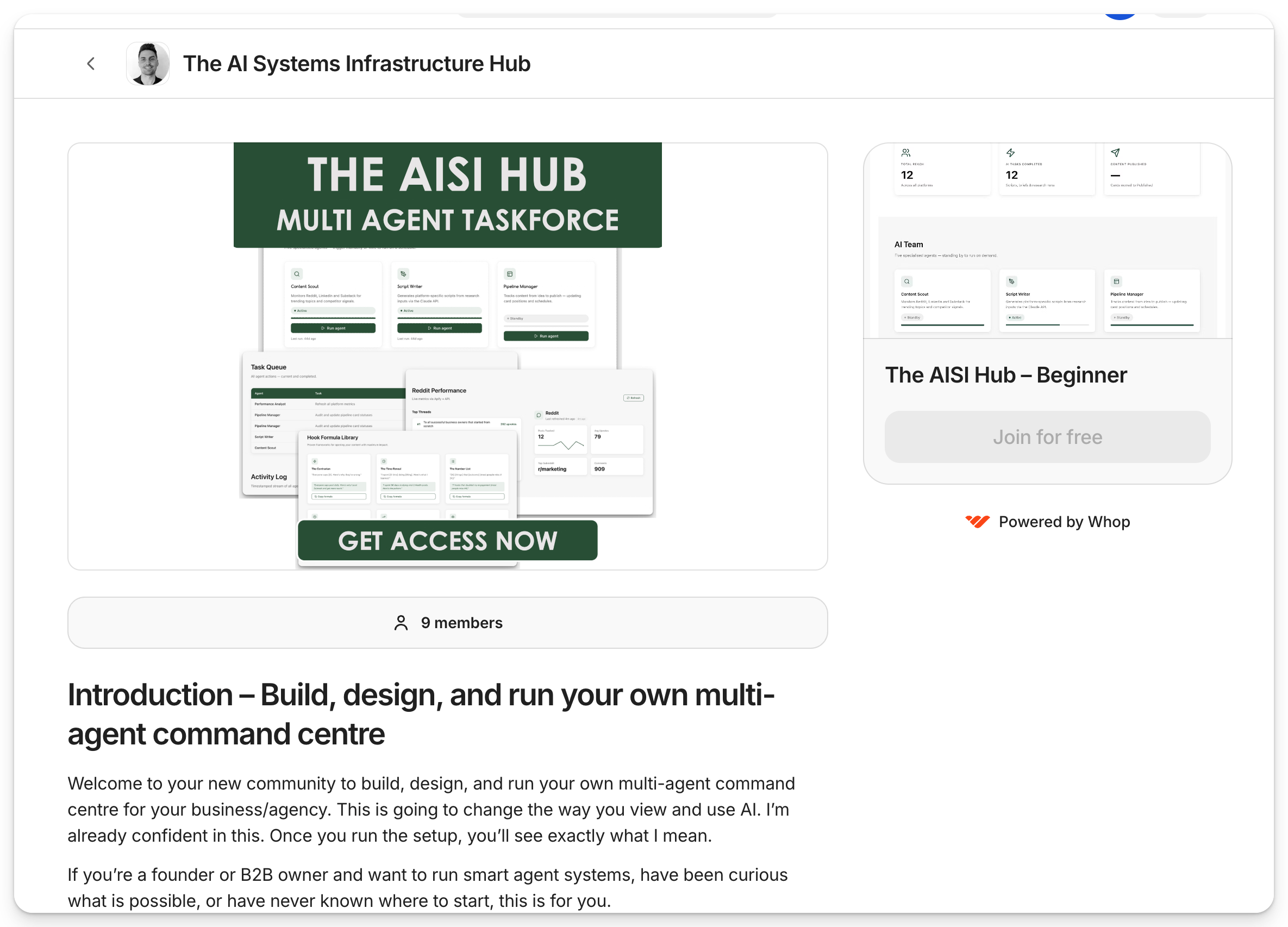
Want to build and manage your own multi agent team?
I launched my new community for founders and entrepreneurs to build, run, and maintain your own multiple agent taskforce command centre.
What’s inside:
- Live Q&A's and build walkthroughs for your own multi agent taskforce
- Access to every new agent, skill, workflow, and automation we build
- A community of founders like you, building real agent systems for themselves
Overview
Claude Routines turns Claude into a dedicated automation platform where you can run scheduling, web hook triggers, and API calls.
This guide walks you through setting up routines from scratch, demoing real-world use cases like inbox triage and proposal generation, and converting existing n8n workflows into routines using natural language.
How does this help?
- Replaces no-code drag-and-drop builders (n8n, Make.com) with natural language instructions, saving hours of setup per workflow
- Automates non-client-facing steps in your agency (inbox triage, proposal generation, onboarding emails) so you reclaim time without adding headcount
Apps and tools
- Claude.ai (claude.ai/code/routines)
- Gmail connector (via Claude connectors settings)
- Slack connector (via Claude connectors settings)
- Fireflies (or any transcript service), optional
- n8n or Make.com, optional, only if converting existing workflows
- Claude Code (for API-triggered routine testing)
Main steps: building and running Claude Routines
Step 1: Understand what routines are and why they matter
- Claude Routines run on a standardised cloud container, not your local machine, and can be triggered via schedule, web hook, or API call
- They replace the logic layer in tools like n8n: you get the same trigger-then-action structure, but you write instructions in plain language instead of building node chains
- Routines are Claude's direct one-to-one overlap with no-code automation platforms. They handle scheduling, orchestration, and multi-step agentic task execution out of the box
Pro Note: Think of routines as the enterprise version of agentic workflows. The key difference from running Claude locally: because everything is hands-off on the cloud, your instructions need to be precise. Leave no ambiguity, the routine can't ask you to clarify mid-run.
Step 2: Set up your first routine in the Claude UI
- Navigate to claude.ai/code/routines, click New Routine, and give it a clear name (e.g. “Daily Mailbox Drafter”)
- Write your routine description like a structured SOP: spell out each step, reference which connectors to use, and define what “done” looks like (e.g. “send me a Slack update once complete”)
- Select your model (Opus recommended for complex tasks), choose or create a cloud environment, then set your trigger, e.g. schedule, GitHub event, or API call
Tip: Be more detailed in your routine description than you would in a skill prompt. Unlike a live Claude session where you can course-correct, routines run entirely autonomously, so the more context you give upfront, the fewer mistakes it makes.
Step 3: Connect Gmail and Slack as connectors
- Go to Claude Code settings, Connectors, click the connect button next to Gmail, then authenticate via OAuth in the new browser tab
- Repeat the process for Slack. Search for it in the connectors search bar, click the plus button, and complete the OAuth flow
- Once connected, add both connectors directly to your routine from the routine's settings page. Claude will then have permission to read emails and send Slack messages on your behalf
Pro Note: After OAuth completes, you'll receive an API token. Copy and store it somewhere safe immediately. You'll need it if you plan to trigger the routine via API calls from Claude Code or any external service.
Want to manage your own agency OS? Learn everything here
Step 4: Test your routine live using the Run Now feature
- Click Run Now in the top-right corner to trigger an immediate test run, no need to wait for a scheduled time
- Use the Runs view to watch tool calls execute in real time and verify outputs before setting a live schedule
- Check your connected Slack DMs for the output notification. That's where the routine will deliver its summary and any email drafts it has created
Step 5: Trigger routines via API for event-based workflows
- Switch the trigger type to Call via API to get a cURL snippet you can send from Claude Code or any external system, useful for event-driven flows like “run this routine when a new transcript arrives from Fireflies”
- Pass your payload as a text input in the API call body; the routine picks it up and processes it as if it were typed directly into the session
- This pattern unlocks multi-routine pipelines: a sales call ends, Fireflies sends a transcript, a web hook triggers the proposal routine, the proposal is generated and sent, all without you touching anything
Pro Note: Web hooks and API triggers are where routines get really powerful for agencies. Map out your client touchpoints, e.g. discovery call, proposal, contract signed, onboarding, and build a routine for each handoff. Chain them with web hooks so the output of one automatically fires the next.
Want to manage your own agency OS? Learn everything here
Step 6: Convert existing n8n workflows into routines
- In n8n, select your workflow nodes (Shift + Command + C or right-click, Copy), then paste the JSON into Claude Code alongside the instruction: “Use the routine generator to turn this n8n workflow into a routine”
- The routine generator interprets the JSON logic and creates an equivalent routine using natural language
- After creation, you can modify the routine in plain English (e.g. “Update this so it sends me a Slack message with the scraped data when it's done”). Here, changes apply in seconds, with no drag-and-drop required
Tip: Don't port every workflow. Token-based execution costs more than compute-based n8n runs for simple logic chains. Use routines for workflows you'd build today from scratch, or for anything where the natural language instruction approach saves you two or more hours of setup time.
Want to manage your own agency OS? Learn everything here
Final checklist
- Set up at least one routine in the Claude UI with a clear, SOP-style description and both Gmail and Slack connectors attached
- Test your routine using the Run Now feature and verify the Slack output before activating a live schedule
- Configure an API or web hook trigger for any event-driven use case (e.g. post-call transcript, proposal generation)
- Identify two to three high-frequency agency workflows (inbox triage, proposal drafting, onboarding sequences) and build dedicated routines for each
- Audit your existing n8n or Make.com workflows and convert any that would take two or more hours to rebuild into routines using the JSON import method

Join 2500+ members in my online communities building real agent systems or reach out to me below and start building your agency to run without you.